

What is an Input Node?
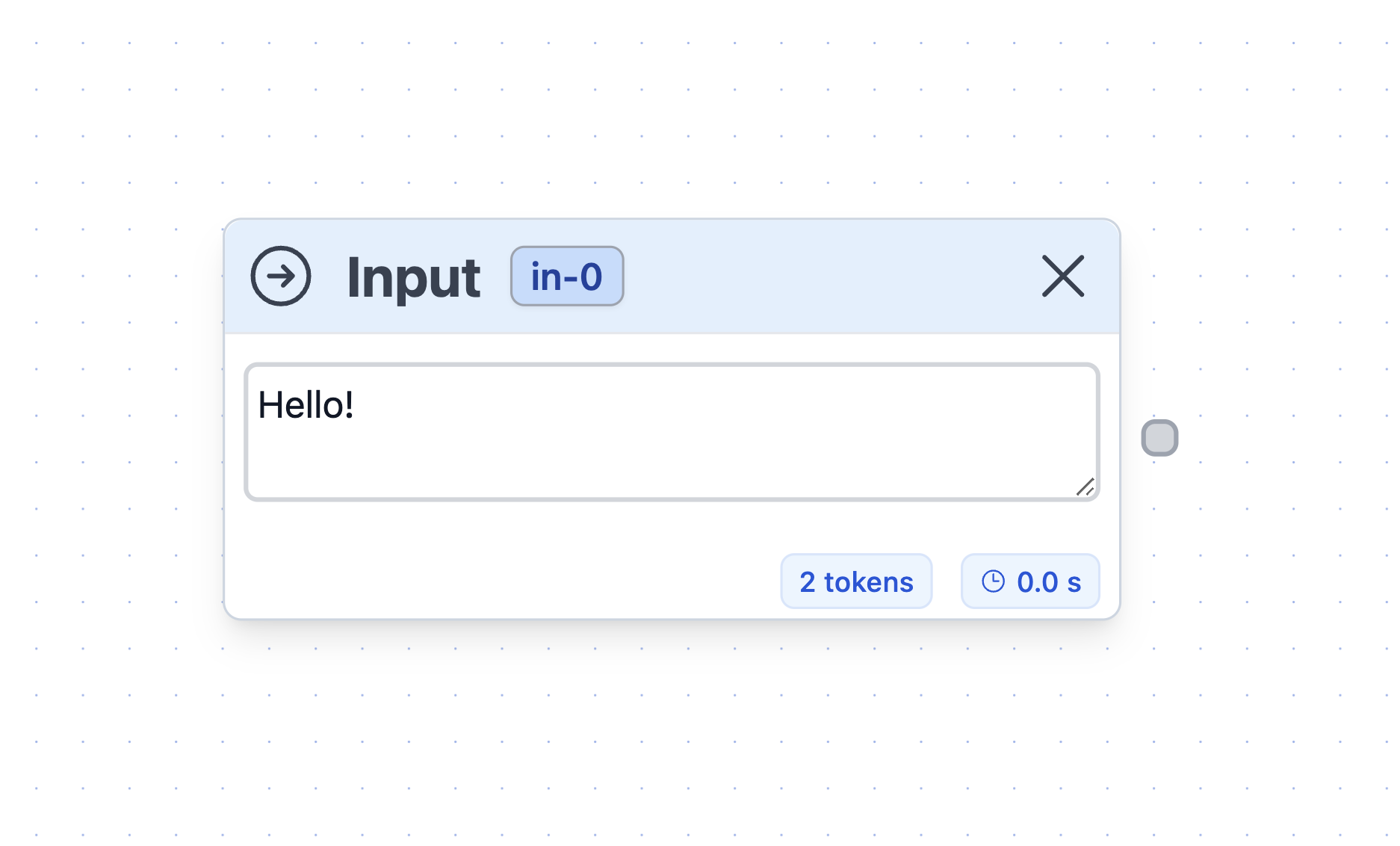
- The LLM nodes (adding the input as part of their prompt).
- The Knowledge Base nodes (they use the input as a prompt to retrieve information from their contents)
- The inputs can be text fields of any length and are passed to their connected node in the flow.
- While inputs can be of any length, you should be mindful that LLM prompts have a limit on how long of an input they can process. To handle long inputs, consider using the Text Data Loader.
- To expose an Input node to your users, you will need to set it up in the Export tab.
How to expose your Inputs externally?
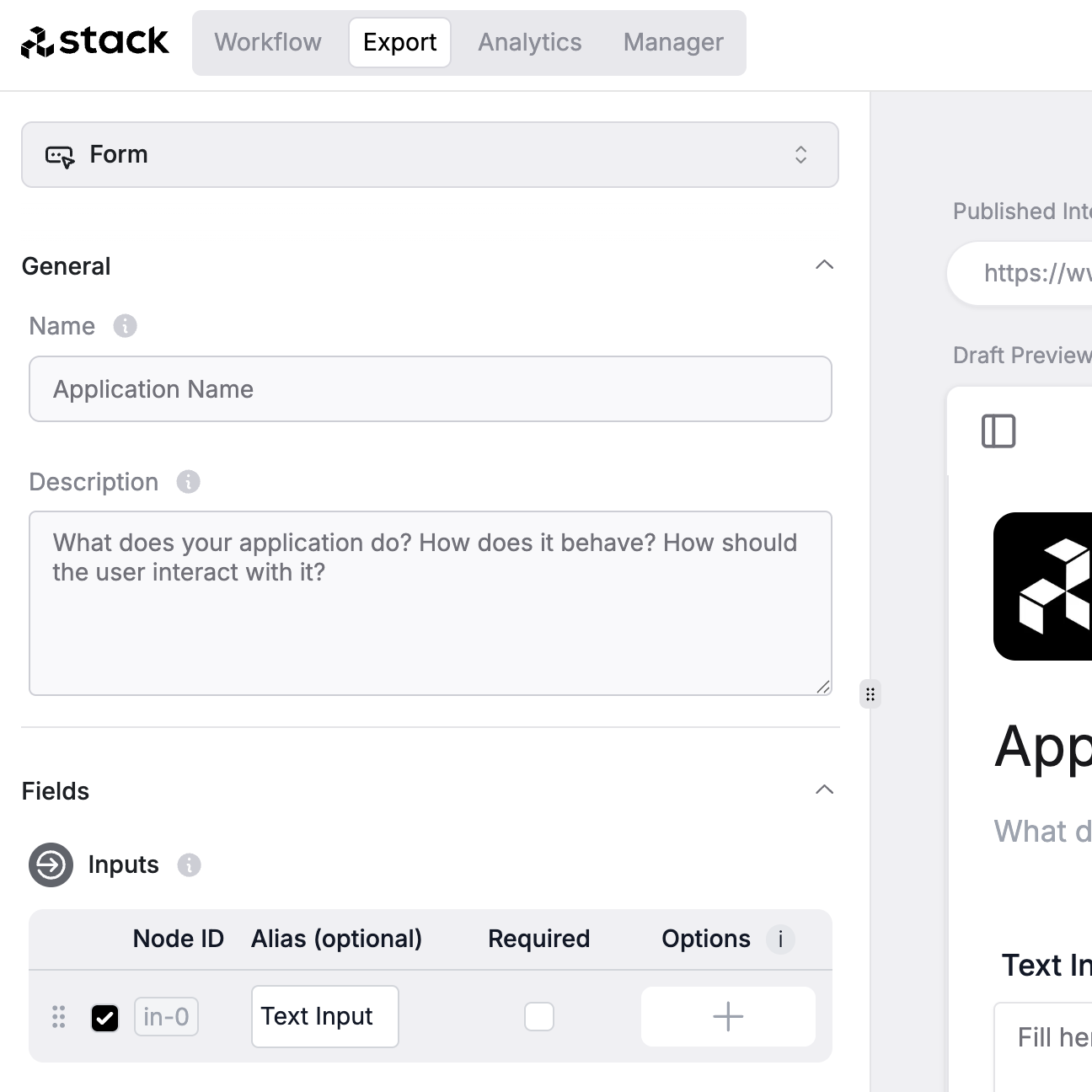
- Go to the Export tab.
- Enable the input node in the Inputs section.
- Press Save Interface to save your changes.
- Your users should now see a text input in the interface.