What is Gmail Send node?
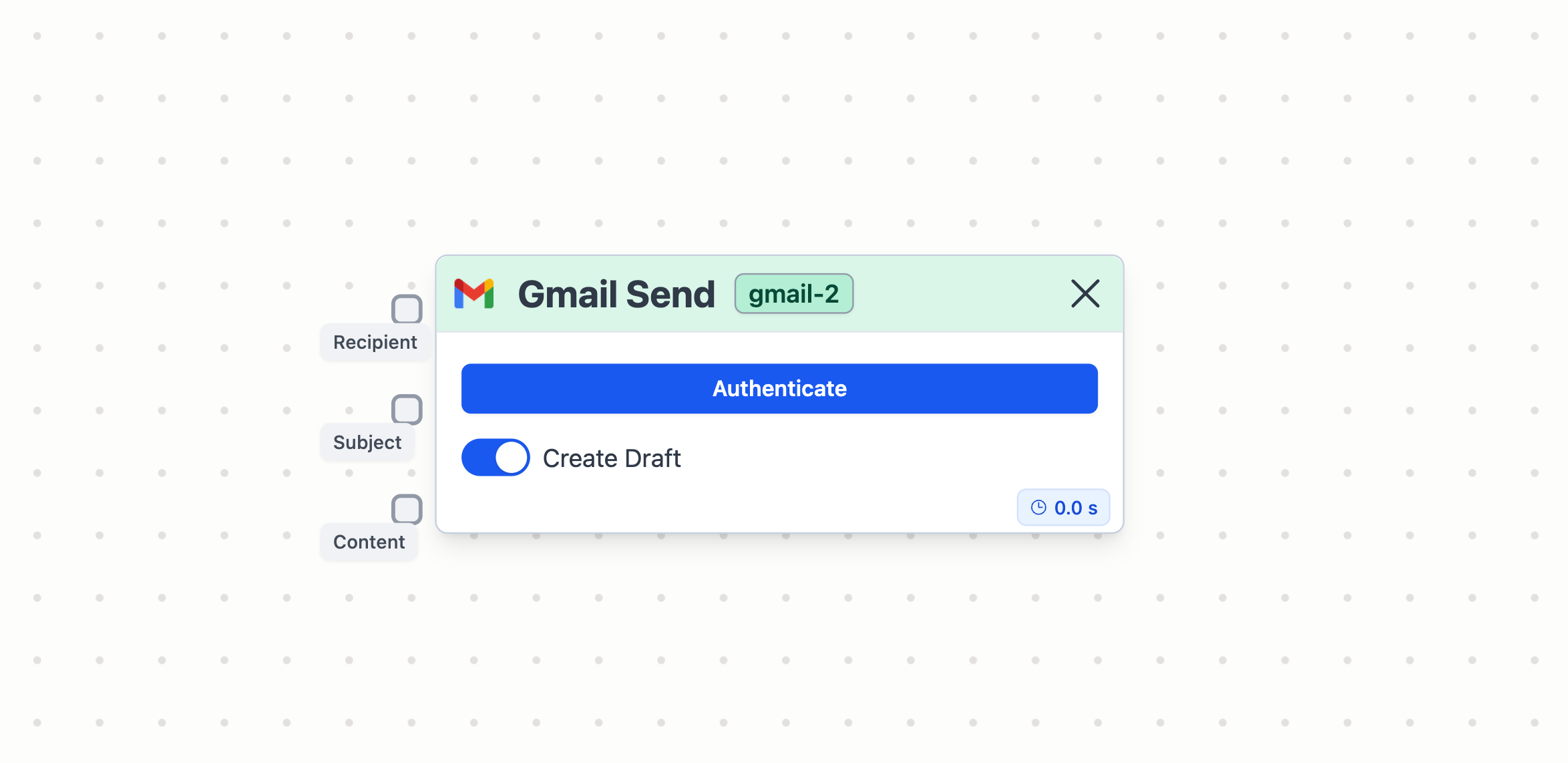
Node in Stack AI
The Gmail Send allows you to send an email as result of your workflow. For example, you can create a workflow that draftsd an email based on an analysis that an LLM has performed.How to use it?
Connections to an Gmail Send node
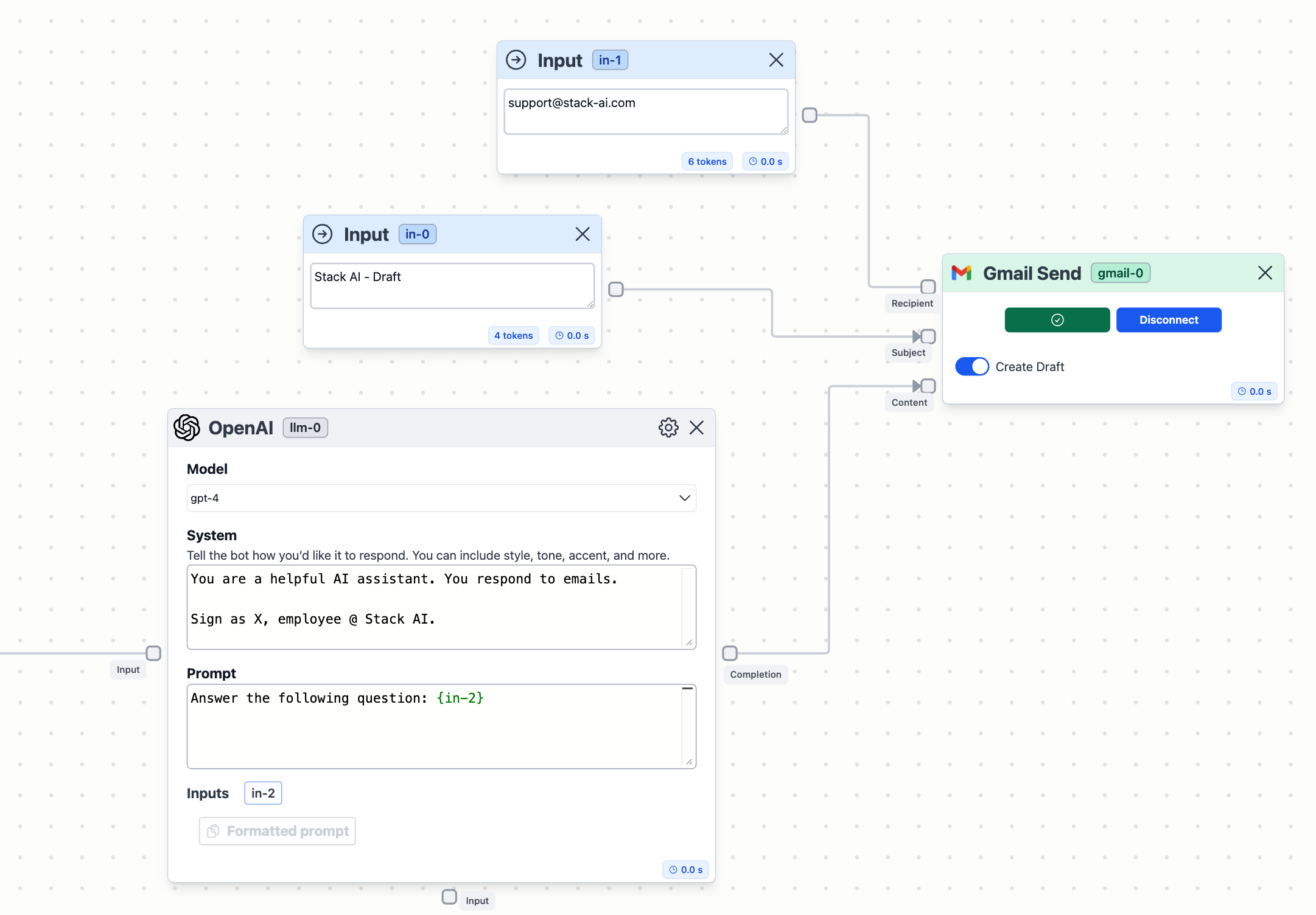
To utilize the Gmail Receive node, you must establish the following connections:- Recipient: Input the email address to send the email to.
- Subject: Add a subject for the email.
- Content: Connect the node to an LLM, for example, to use the result of the LLM as content for the email.
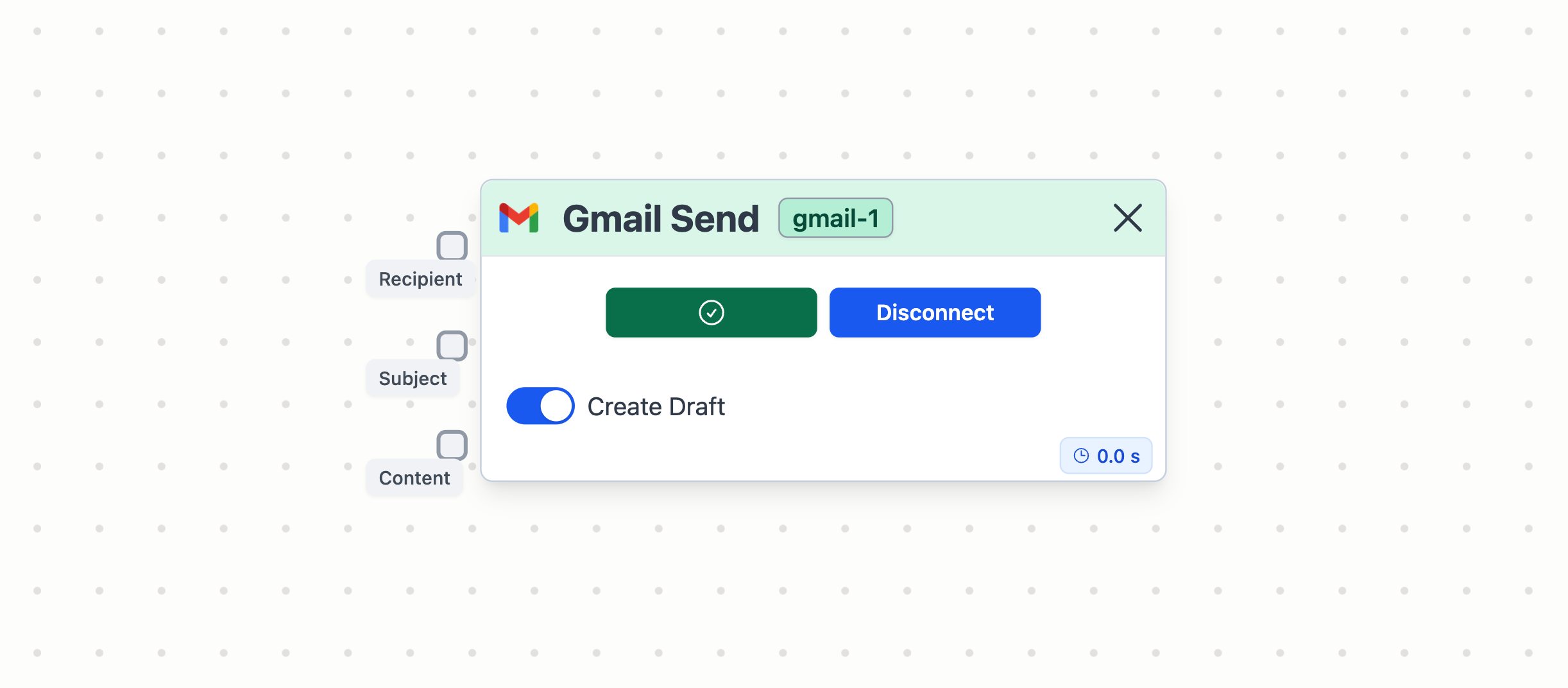
Gmail Send node connection parameters
Finally, click on the Create Draft toggle to create a draft of the email. Otherwise, the email will be sent automatically.Example of usage
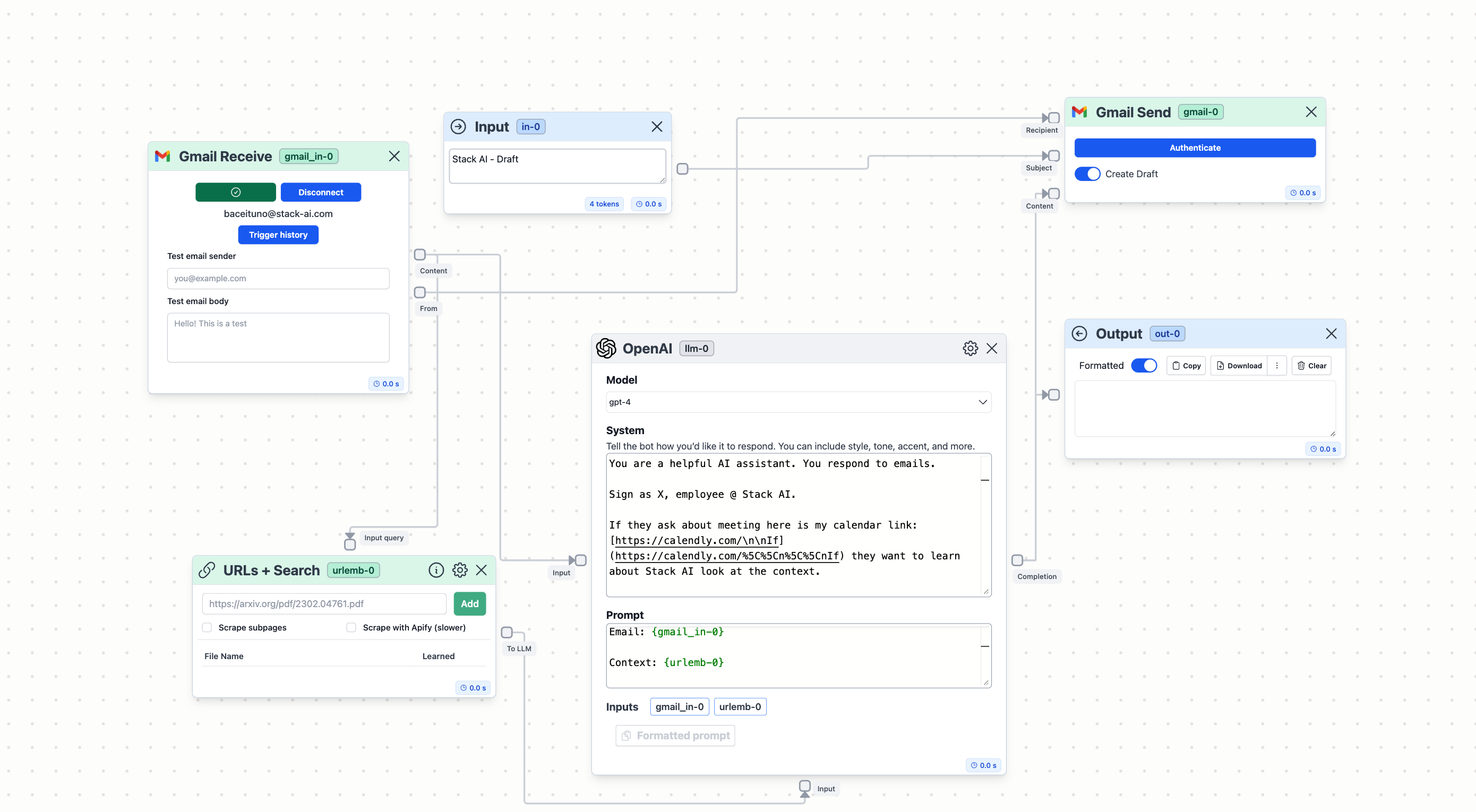
A practical application of Gmail Send node involves integrating it with an AI assistant designed to answer emails based on context data provided through a knowledge base of URLs.