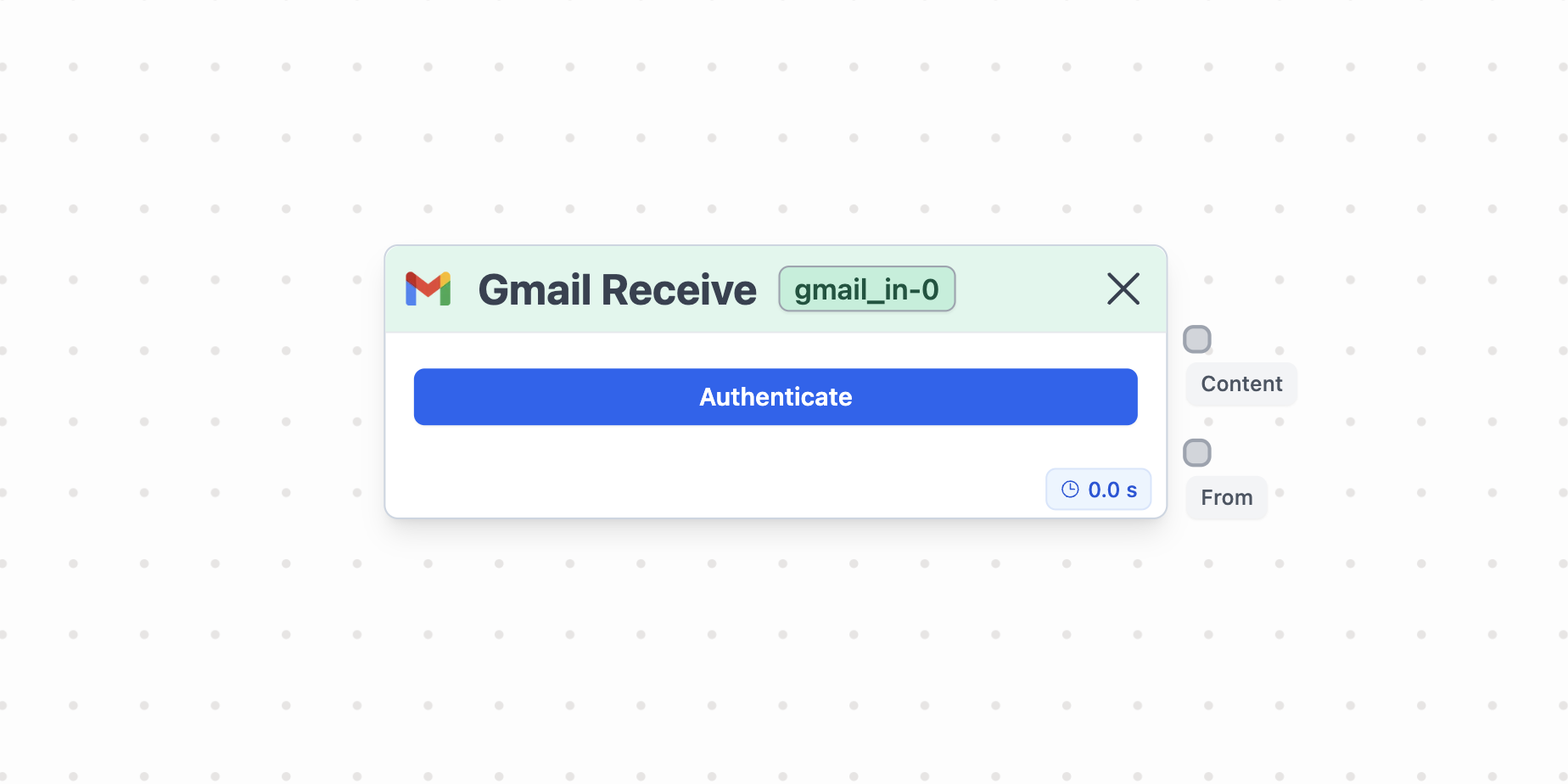
What is Gmail Receive node?
How to use it?
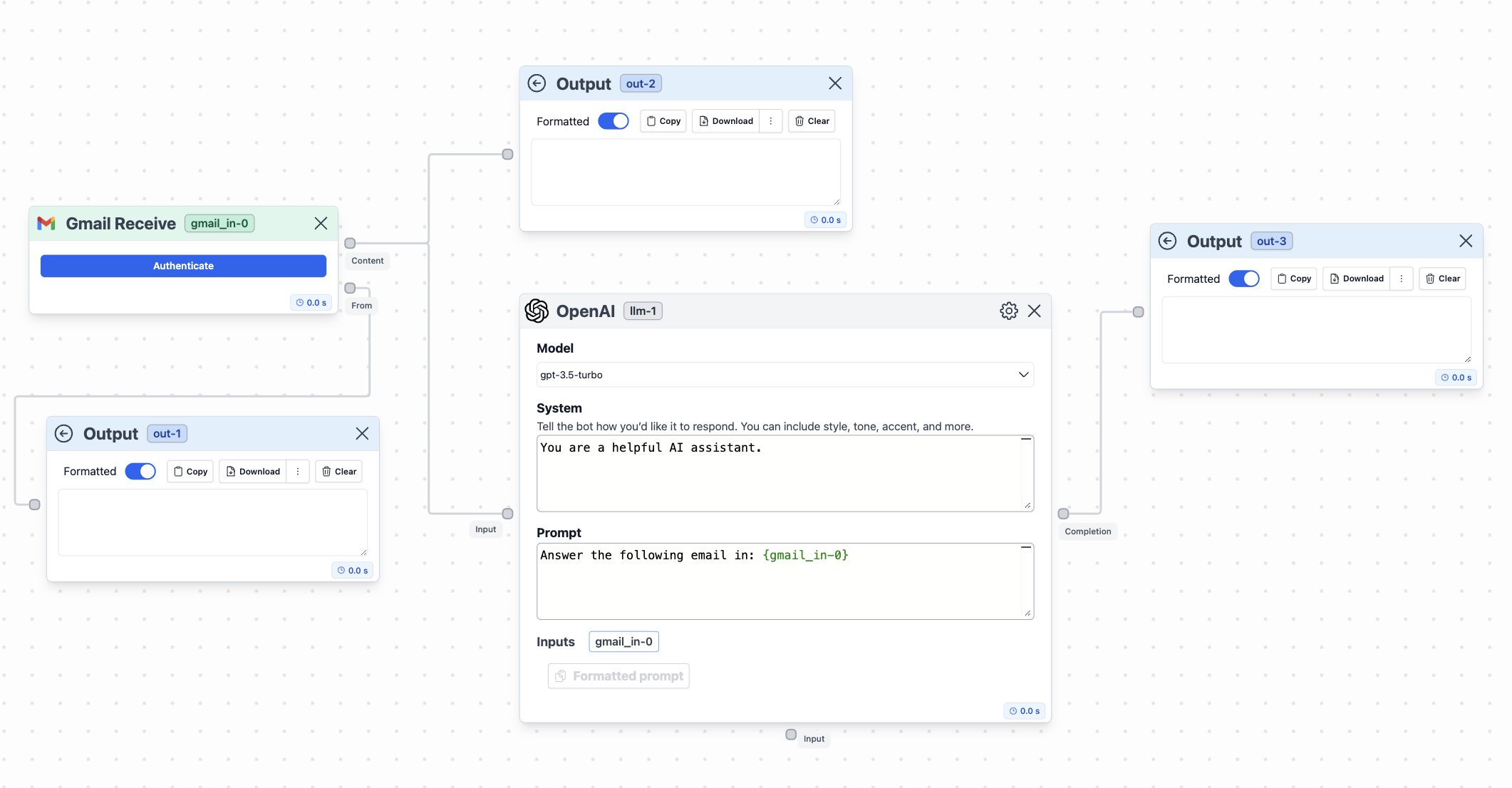
- Output: The node returns the content and the recipient of each email received through the linked Gmail account.
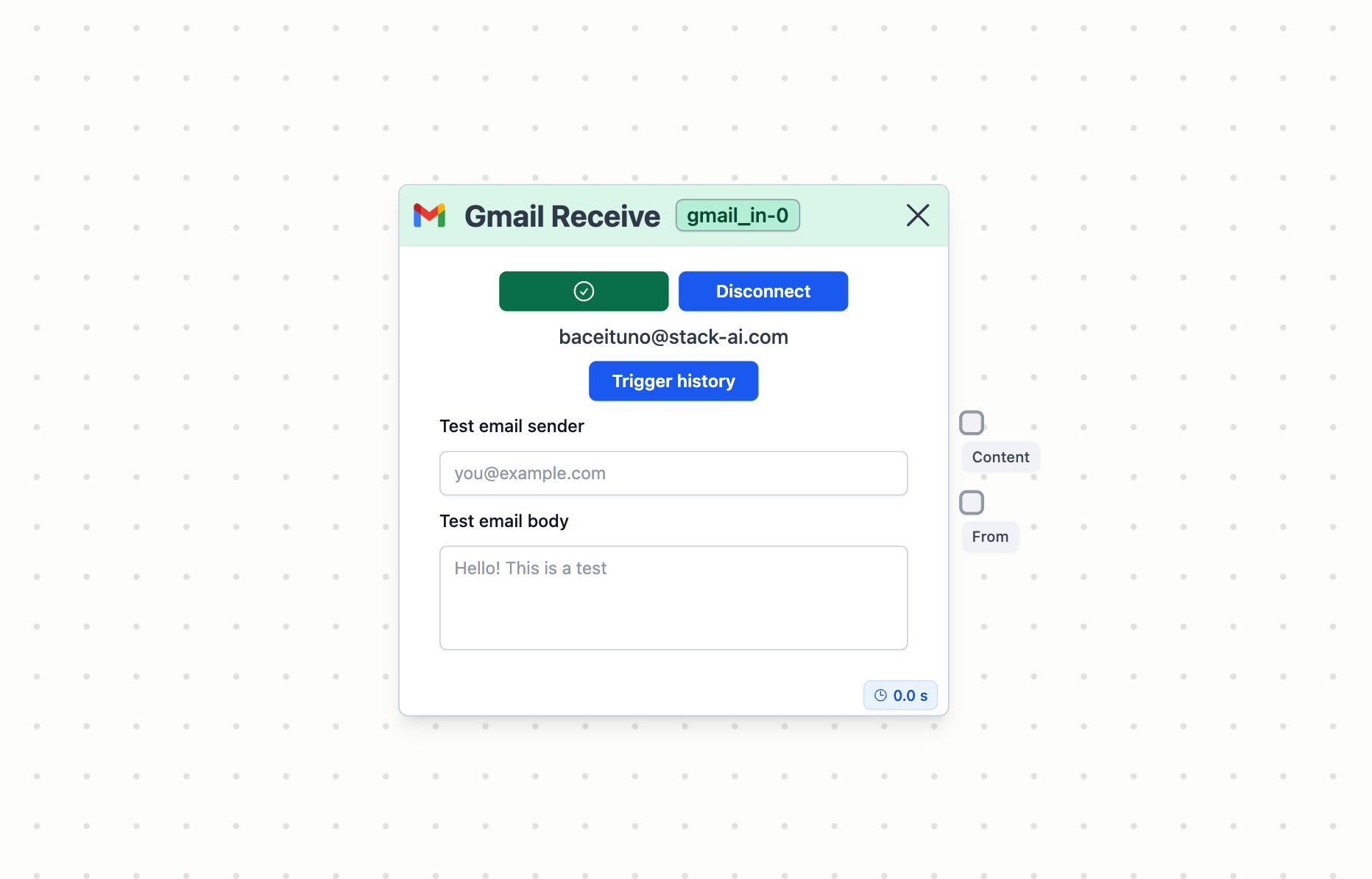
- Trigger history: you will see a list of all the emails received at the node.
- Test email sender: especify the email you would like to use to test the workflow (it’s the email sender that is going to be used every time you play Run in the workflow builder).
- Test email body: especify the body of the email you would like to use to test the workflow (same as above).
Example of usage
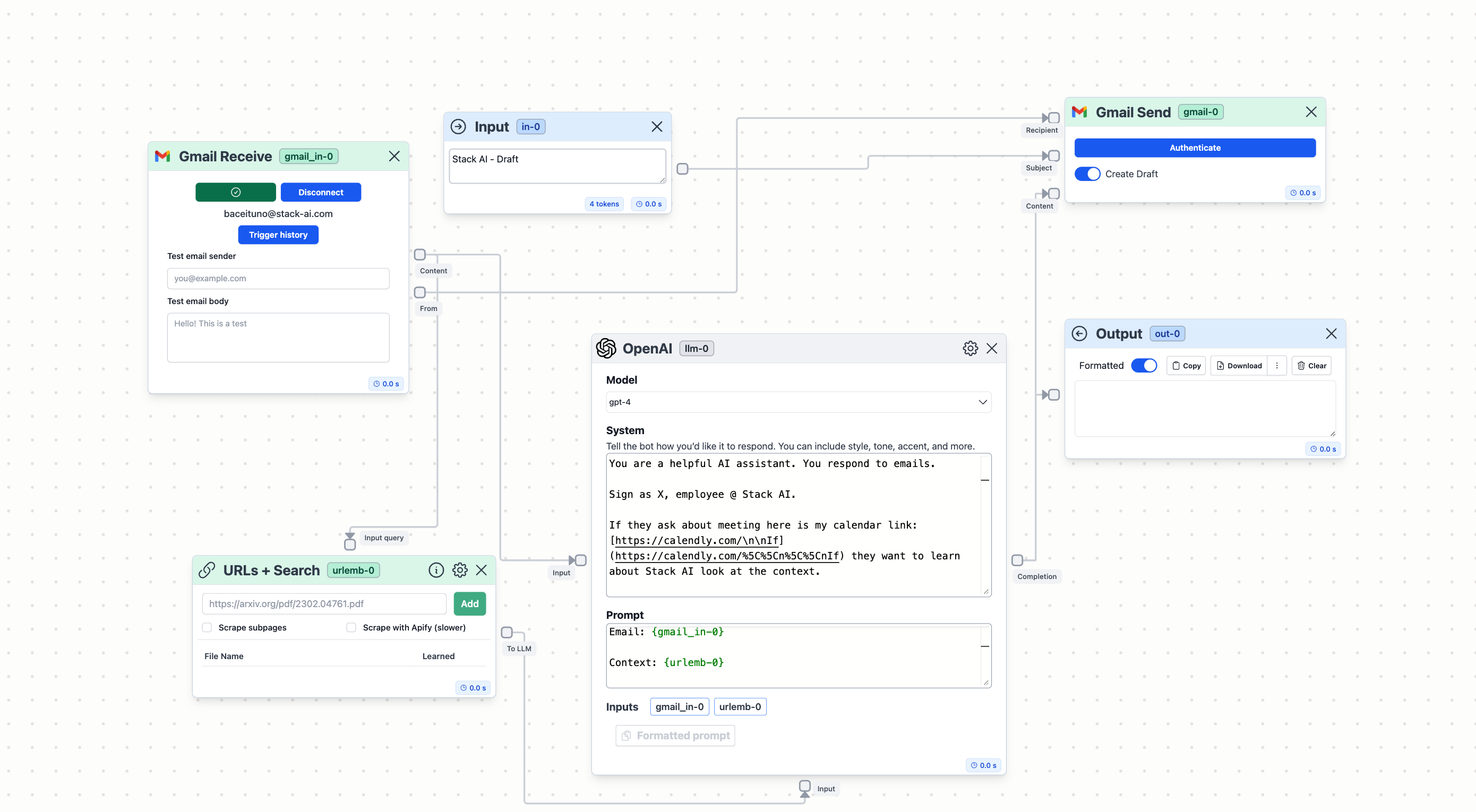
A practical application of Gmail Receive node involves integrating it with an AI assistant designed to answer emails based on context data provided through a knowledge base of URLs.