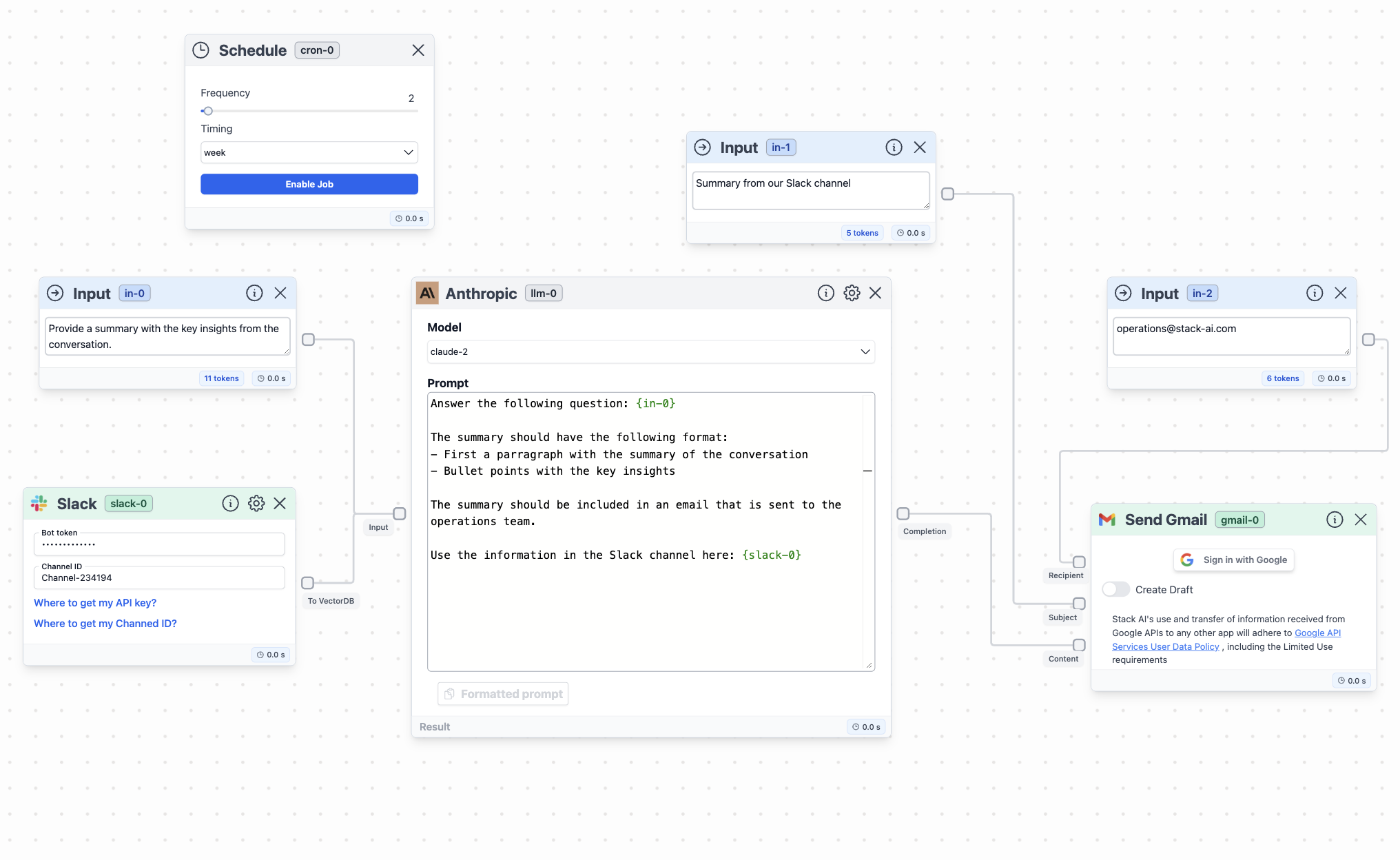
What is Schedule node?
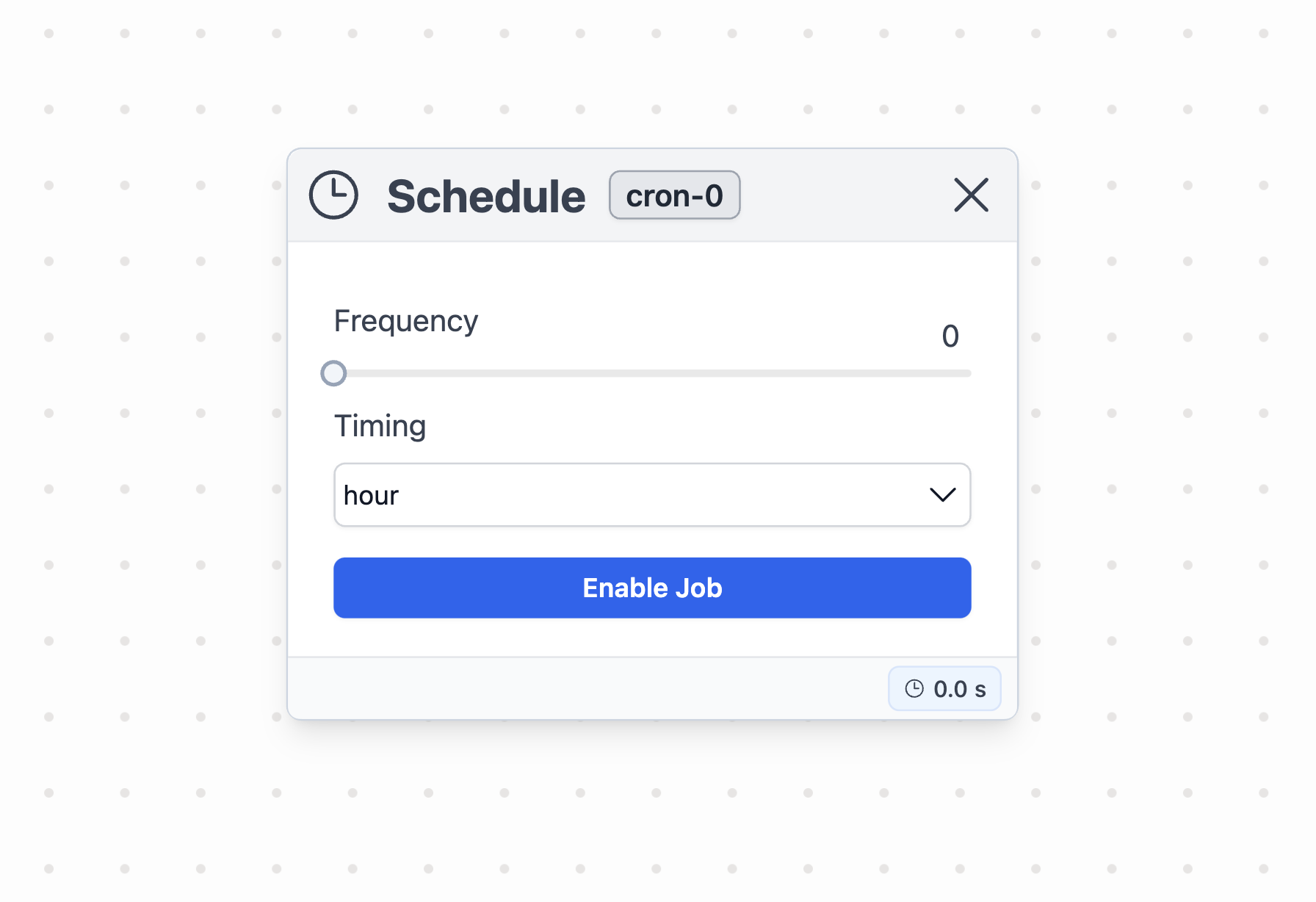
Node in Stack AI
The Schedule node allows you to execute your workflow with a specific frequency. You can set the frequency in the node parameters.How to use it?
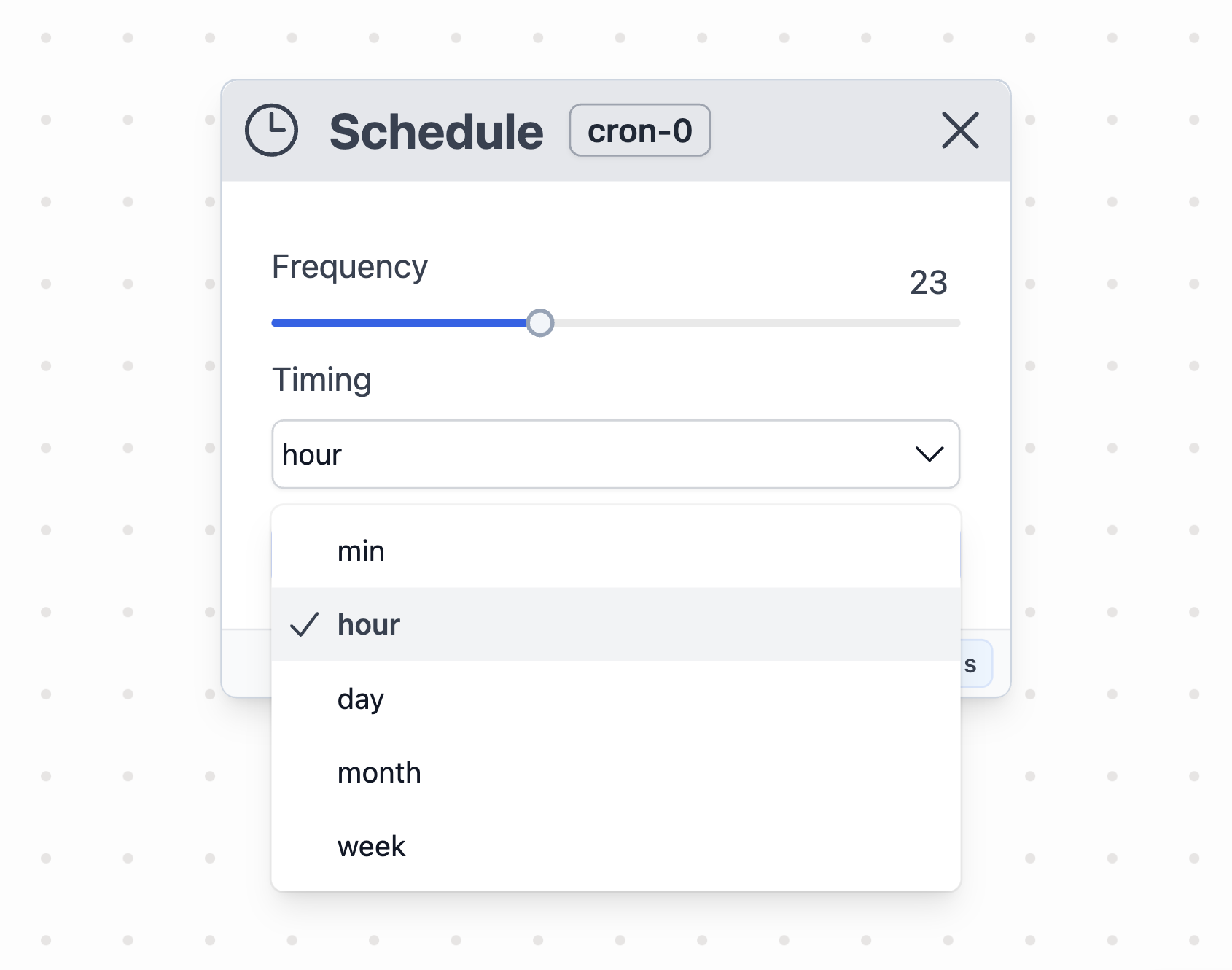
Schedule node options
To utilize the Schedule node, you must setup the cadence:- Frequency: given a timing unit (e.g., min), select the quantity by moving the bar.
- Timing: select the time unit for the node: min, hour, day, week, month.
Example of usage
A practical application of the Schedule node is to launch a process every hour. For example, you can use the Schedule node to trigger the following workflow:- Slack node to upload a channel conversation
- An LLM to receive the information and give back the main insights from the conversation
- A Gmail node to send an email with these insights