

What is an Audio Node?
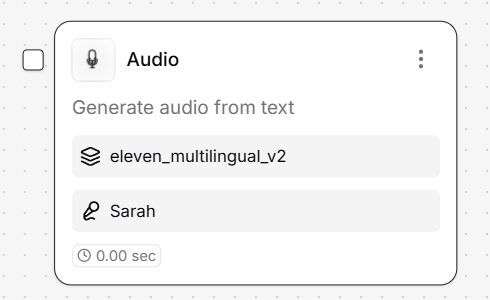
- Supports multilingual audio synthesis.
- Choose from multiple voice models and accents.
- Play back audio directly in the interface with Test Output.
- Optionally use your own API key to connect with external TTS providers.
How to use it?
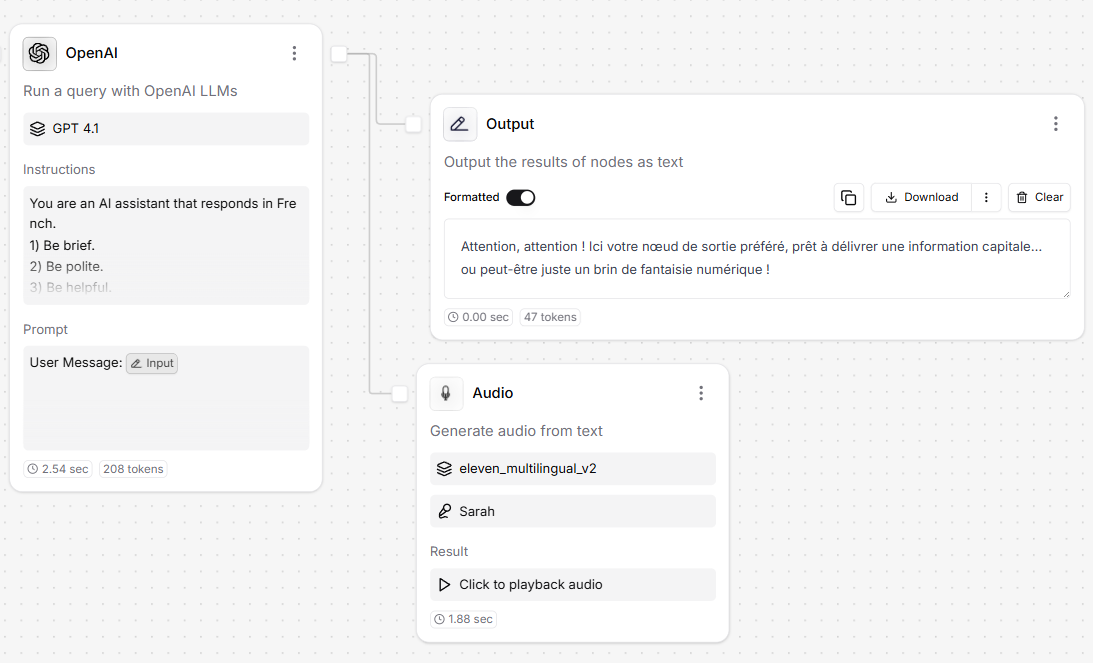
- Input: Accepts a text string (e.g., from an LLM or Input node).
- Output: Returns a playable audio file that can be previewed that can be previewed.
Settings
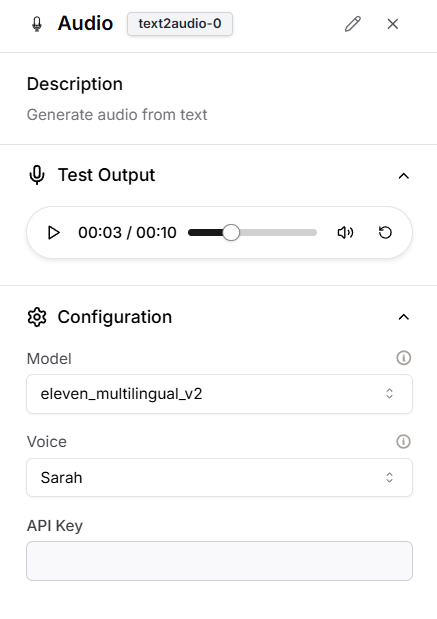
Configuration Options
- Model: Choose the TTS engine, such as
eleven_multilingual_v2. - Voice: Select from available voice profiles (e.g., Sarah, Chris).
- API Key: Optional field for providing your own TTS provider credentials.
How to expose Audio externally?
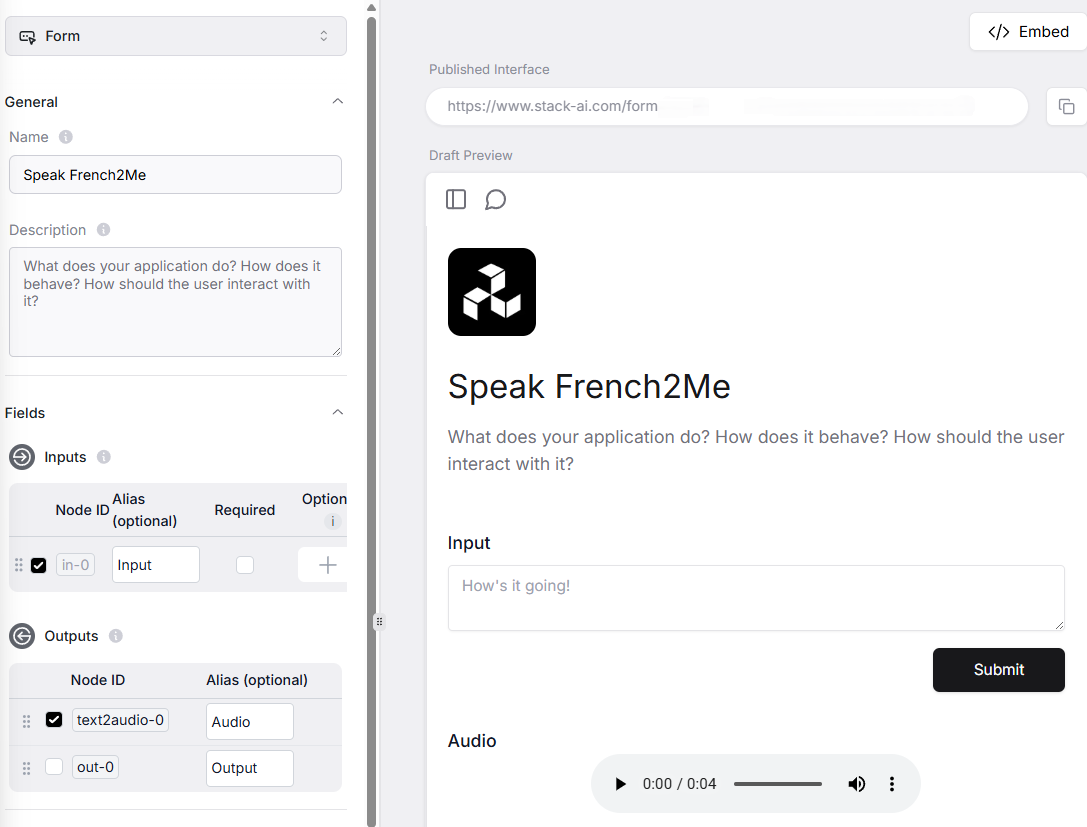
- Go to the Export tab.
- Enable the Audio node in the Outputs section under Fields.
- Click Save Interface.
- When triggered, users will be able to hear the generated audio directly in the interface.