

What is an Image Node?
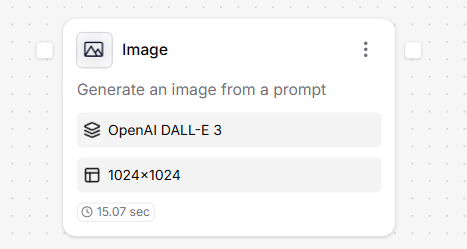
- Illustrating chatbot responses
- Creating product mockups or concept art
- Generating visual assets on-the-fly for user interfaces
How to use it?
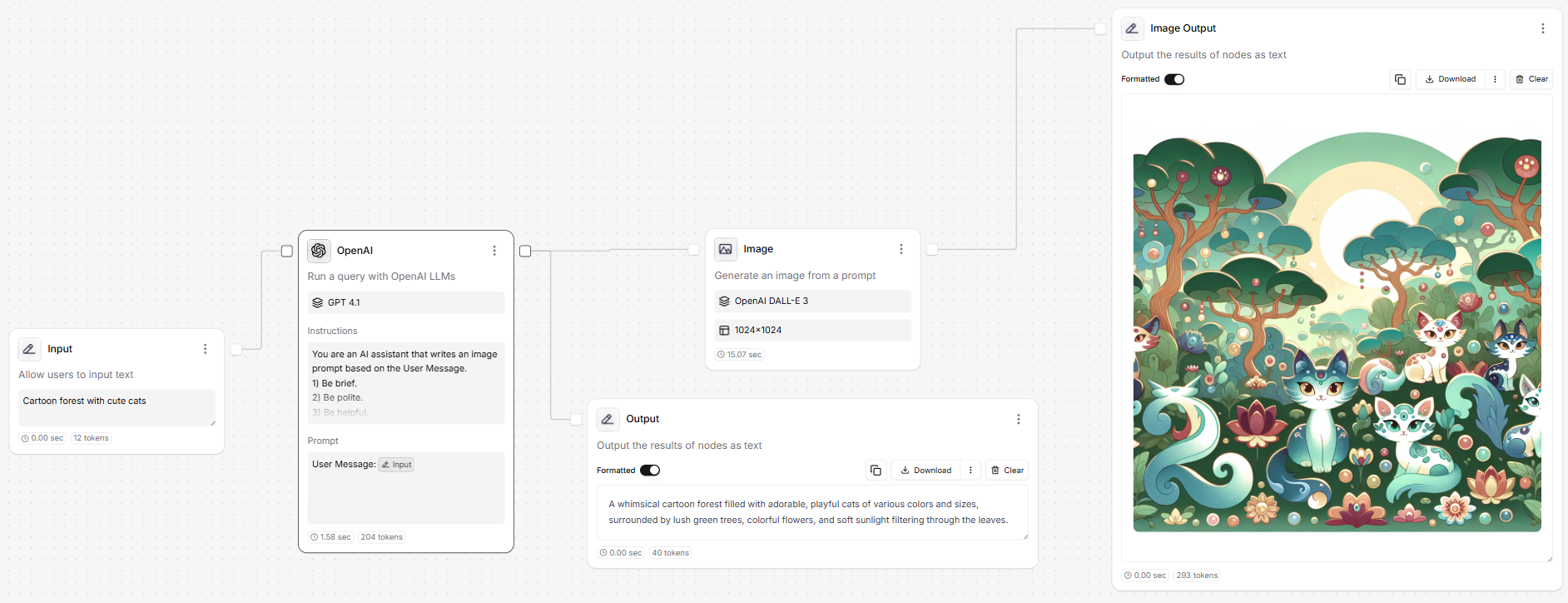
- Input: Accepts a text string (prompt), often from a user or LLM node.
- Output: Returns a generated image that can be previewed or used downstream.
Settings
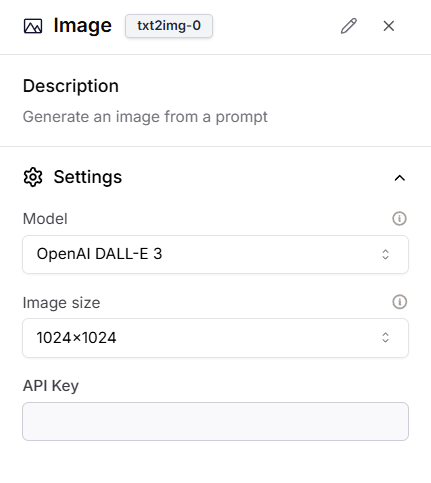
Configuration Options
- Model: Choose between available image generation models:
OpenAI DALL·E 3Stable Diffusion 3.5
- Image size: Select the resolution for the generated image:
1024×1024(square)1024×1792(portrait)1792×1024(landscape)
- API Key: (Optional) Provide your own key to use a custom instance or higher tier of the selected model.
How to expose Images externally?
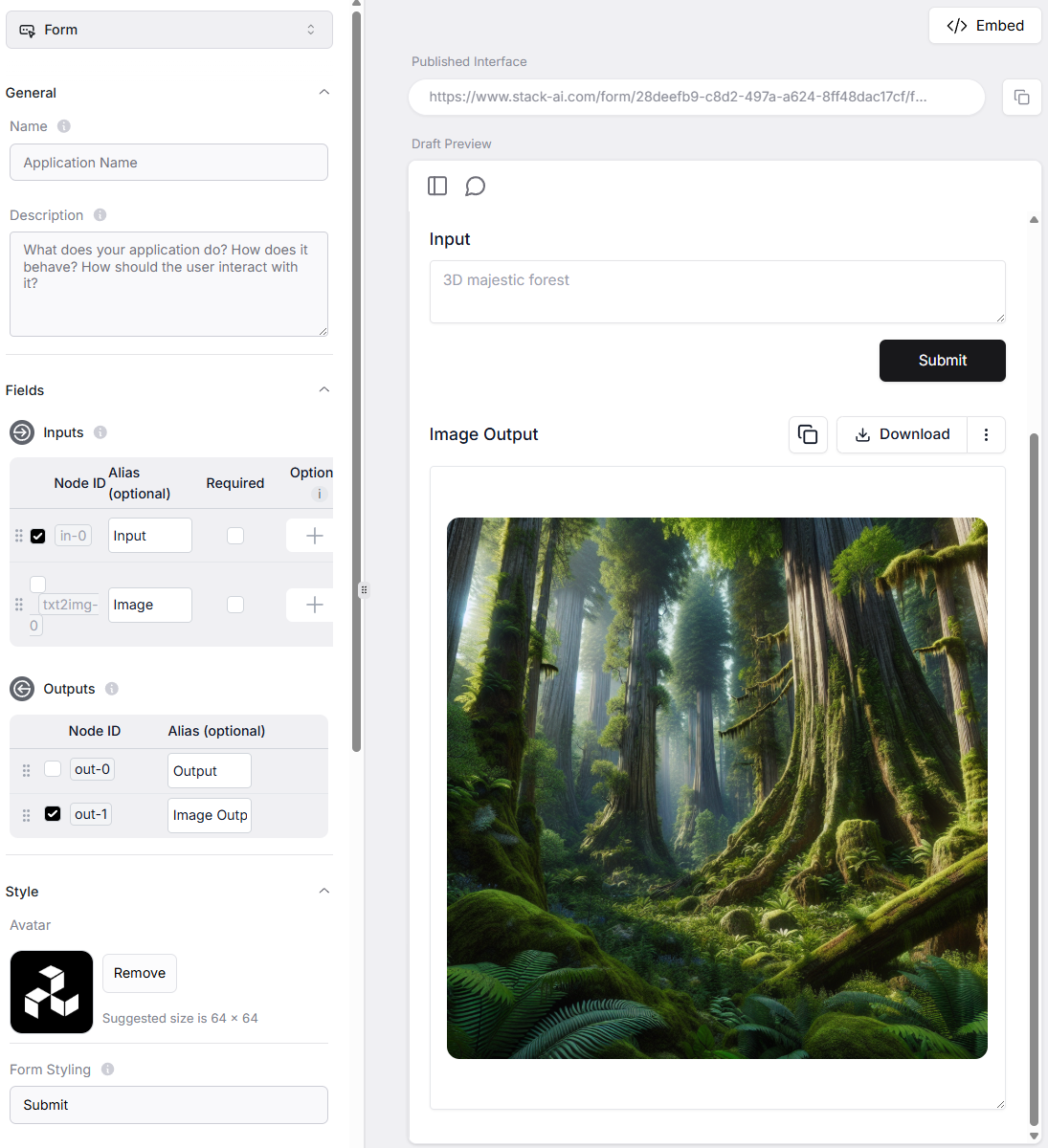
- Go to the Export tab.
- Enable the Image node in the Outputs section under Fields.
- Click Save Interface.
- The image result will now be rendered in your external interface when the flow is triggered.