

What is an Output Node?
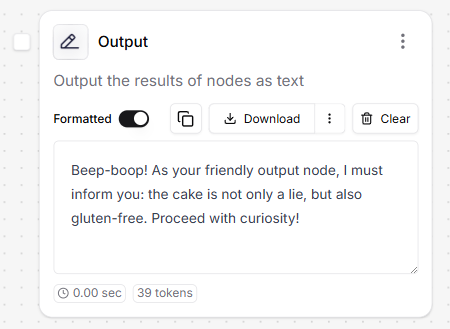
- LLM nodes (to display answers or messages).
- Knowledge Base nodes (to show retrieved documents or summaries).
- Provides a clear way to present results to end-users.
- Enables visibility into the results of data transformations or AI completions.
- Supports dynamic interfaces when exposed via the Export tab.
How to expose Outputs externally?
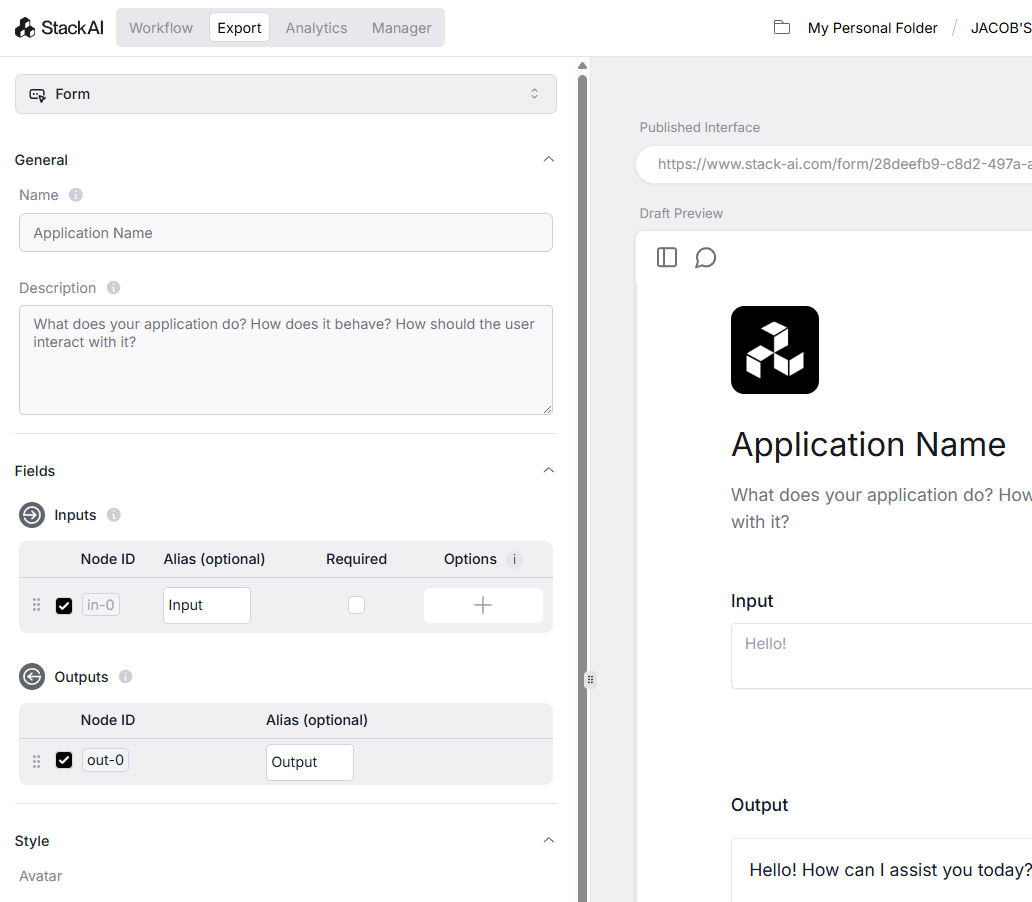
- Go to the Export tab.
- Enable the Output node in the Outputs section under Fields.
- Click Save Interface.
- The Output node’s results will now appear in your external interface when the workflow is triggered.