

What is the Zendesk node?
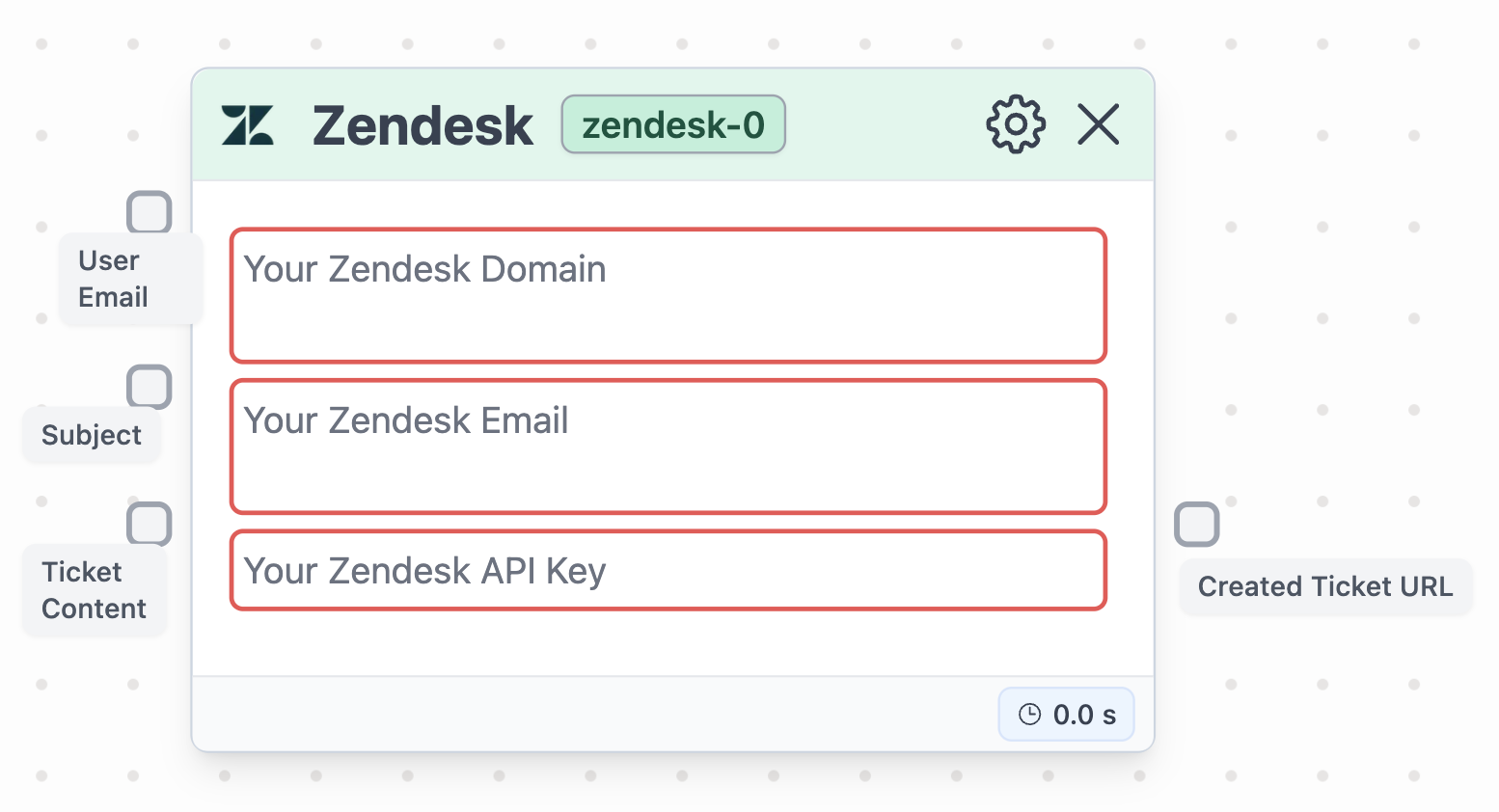
Node in Stack AI
The Zendesk node enables seamless integration with your Zendesk account, specifically for automating the creation of tickets. A common use-case is using this node to hand off the customer support to a real human over at Zendesk.Configuration
The Zendesk node requires you to set up the following:- User Email (Input) : the recepient of the email.
- Subject (Input) : the subject of the email.
- Contents (Input) : the contents of the email.
- Zendesk Domain (Config) : the Zendesk domain of the sender.
- Zendesk Email (Config) : the sender of the email.
- Zendesk API Key (Config) : the API key of the sender’s Zendesk account.
Example of usage
In this example, we built a workflow that demonstrates the node’s usage. To play around with it, go to the “Support with Zendesk” pre-built template.Retrieval of API
To get the API that will populate the Zendesk node, you will access the following URL.- Enable the “Token Access” by clicking on the toggle.
- Click on “Add API Token”.
- Copy-paste the value in the node’s parameter field